X(旧Twitter)をmacOSのXDeckで閲覧する
macOSでXを閲覧する際、XDeck (GitHub) が便利だったのでメモしておきます。
以下は公式サイトに掲載されていた画像を拝借したものです。
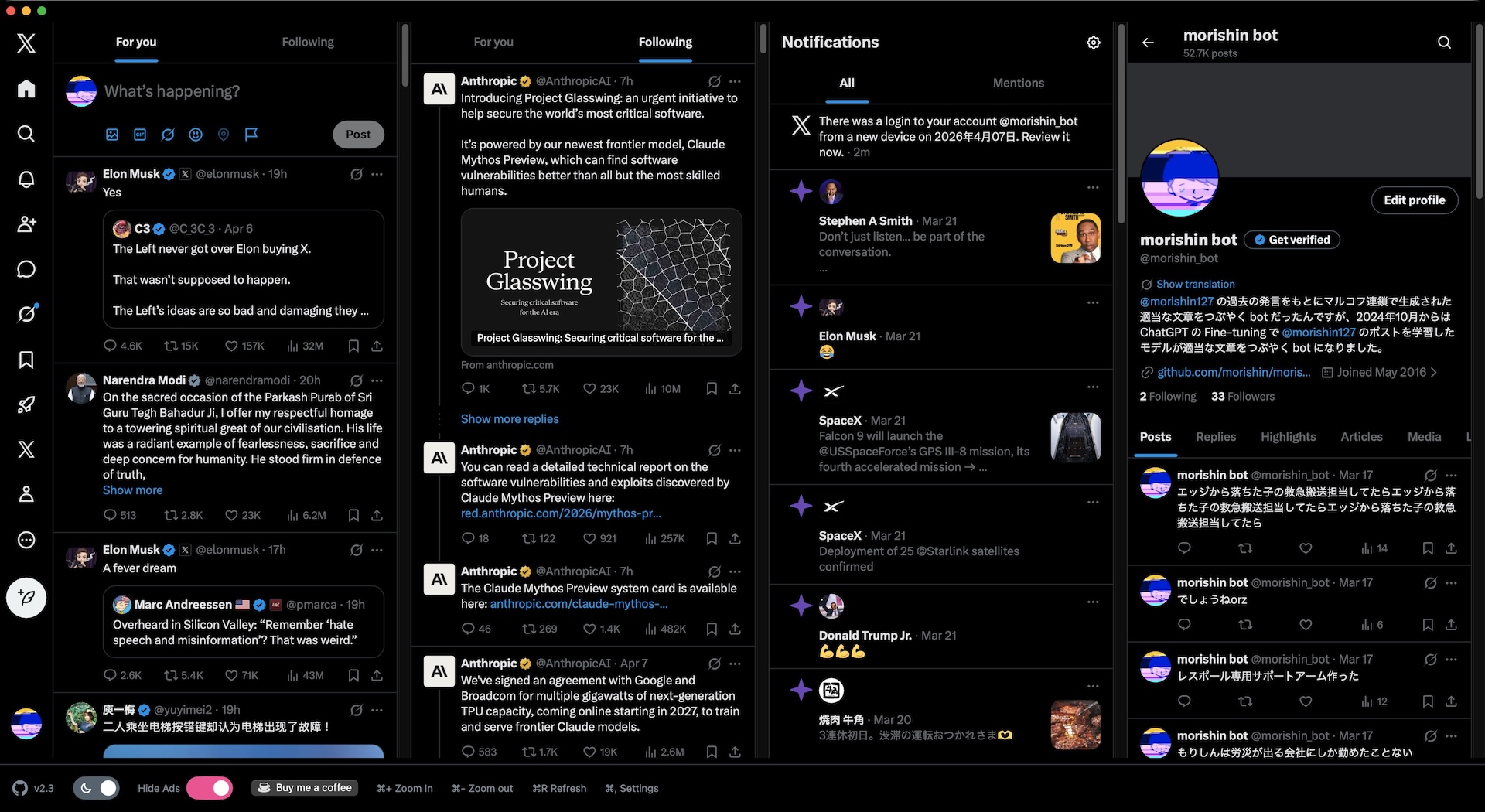
インストール
Homebrewでインストールできます。
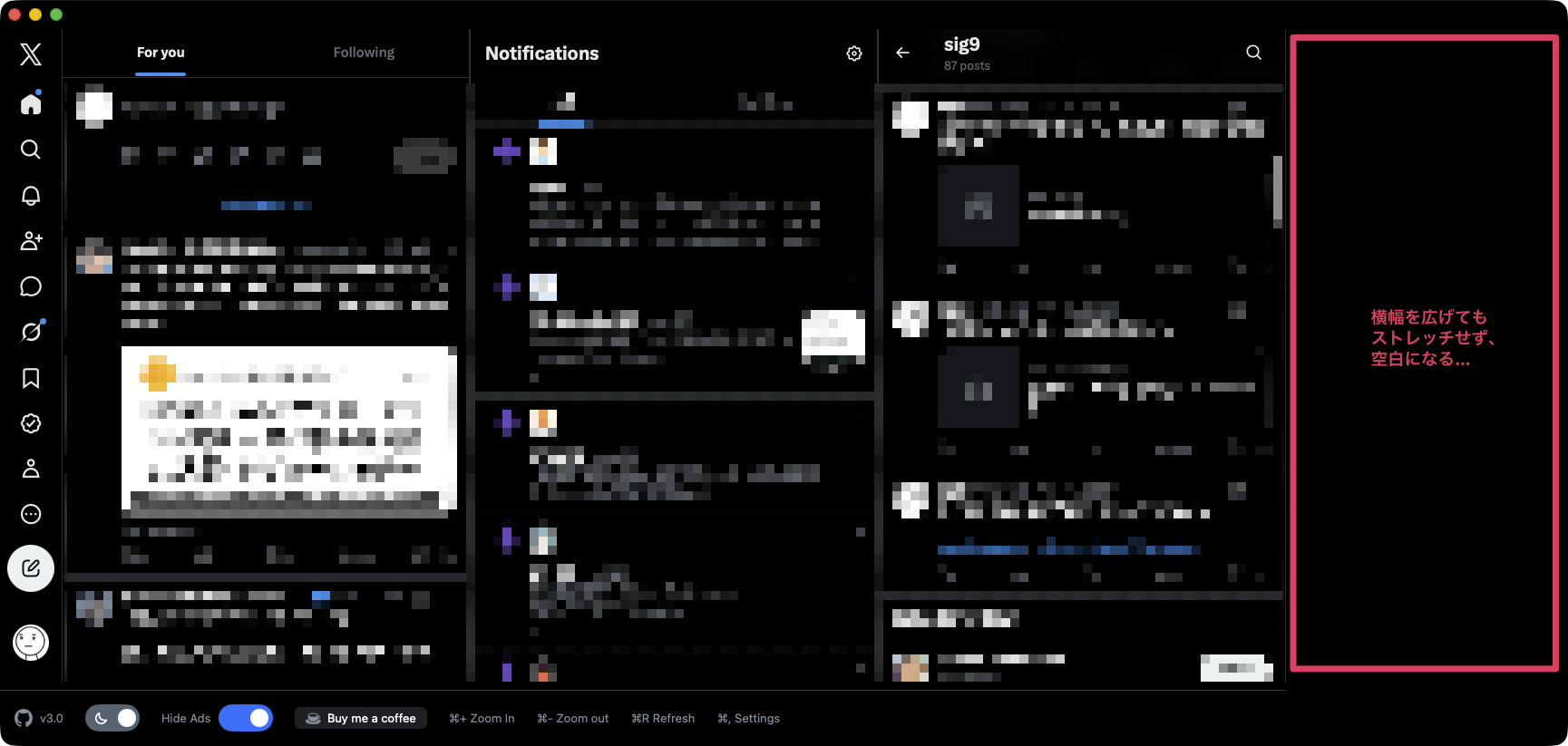
ウインドウ幅を変更しても、カラム幅が追従しない
X(旧Twitter)クライアントは選択肢が少なく、そういった意味では便利です。ただ、ウインドウ幅を広げても各カラムの横幅が追従せず、空白ができてしまいます。この点は不自由に感じました。
設定ファイル
XDeckの設定ファイルは以下にありました。
~/Library/Containers/me.morishin.XDeck/Data/.config/XDeck/schema.json~/Library/Containers/me.morishin.XDeck/Data/.config/XDeck/settings.json
columnWidthがintegerのようで、例えば「auto」などは指定できないように見えました。
参考
デフォルトのschema.json
schema.json
{
"$schema": "https://json-schema.org/draft/2020-12/schema",
"type": "object",
"properties": {
"$schema": {
"type": "string"
},
    "columnWidth": {
      "type": "integer"
    },
"columns": {
"type": "array",
"items": {
"oneOf": [
{
"type": "object",
"properties": {
"type": {
"type": "string",
"enum": ["forYou", "following", "notifications", "profile"]
}
},
"required": ["type"],
"additionalProperties": false
},
{
"type": "object",
"properties": {
"type": {
"type": "string",
"enum": ["custom"]
},
"url": {
"type": "string"
}
},
"required": ["type", "url"],
"additionalProperties": false
}
]
}
}
},
"required": ["columns"],
"additionalProperties": false
}